01
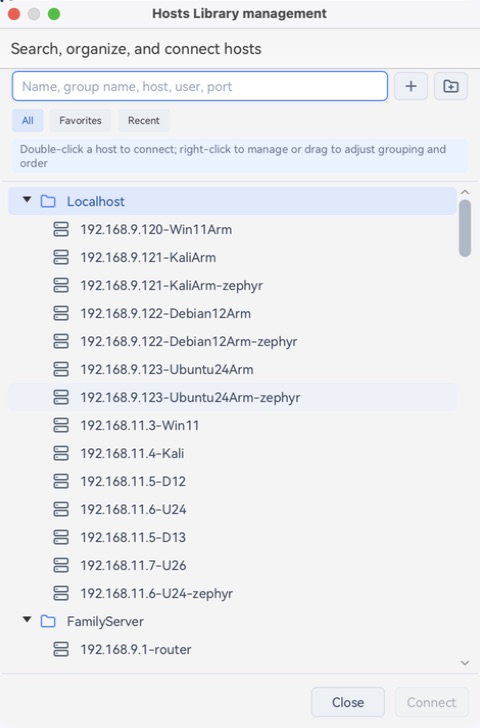
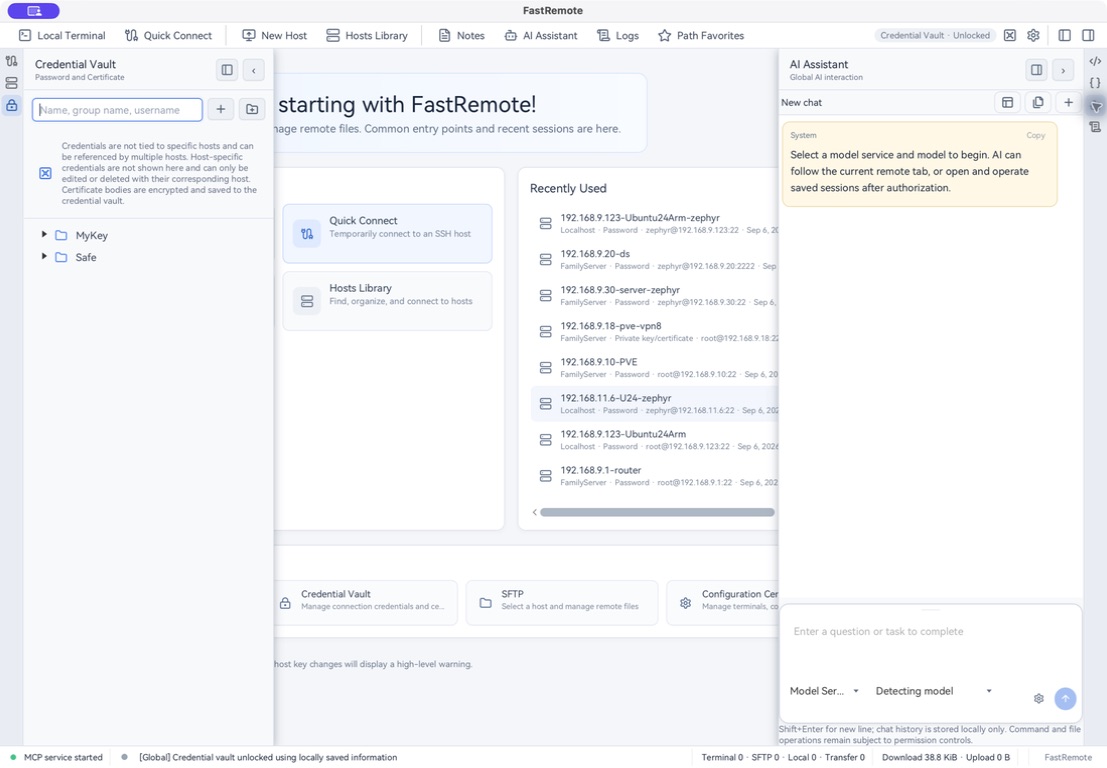
Keep hosts, credentials, and commands organized
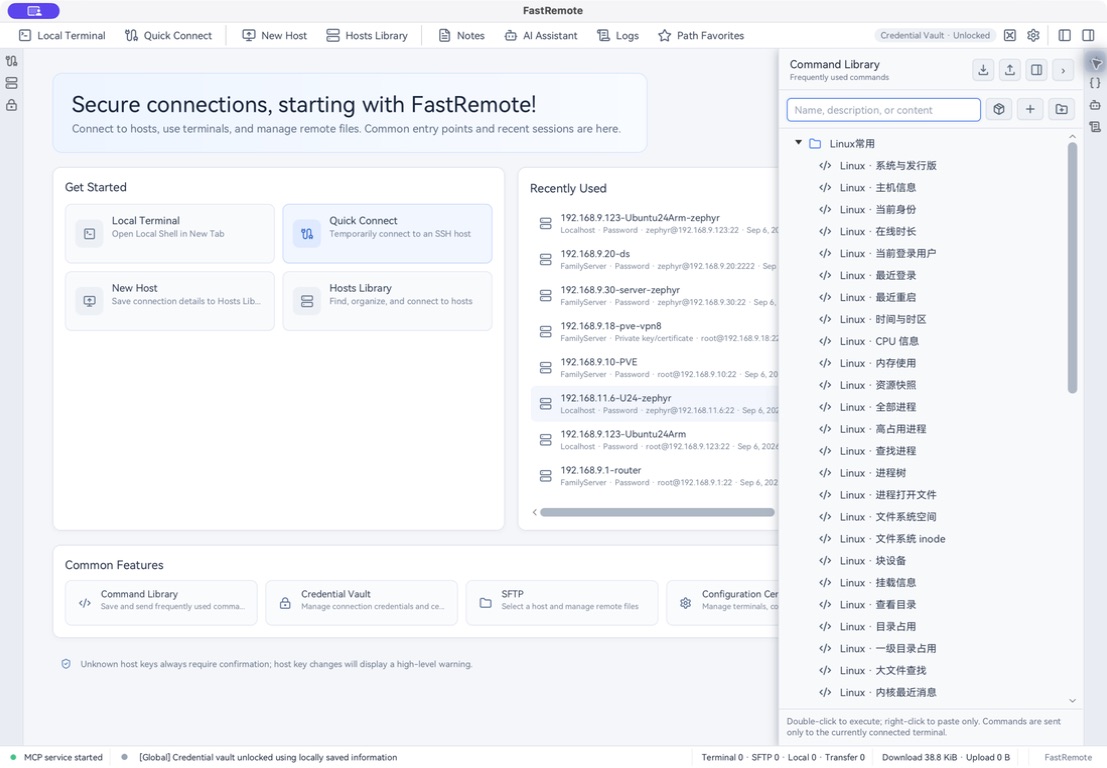
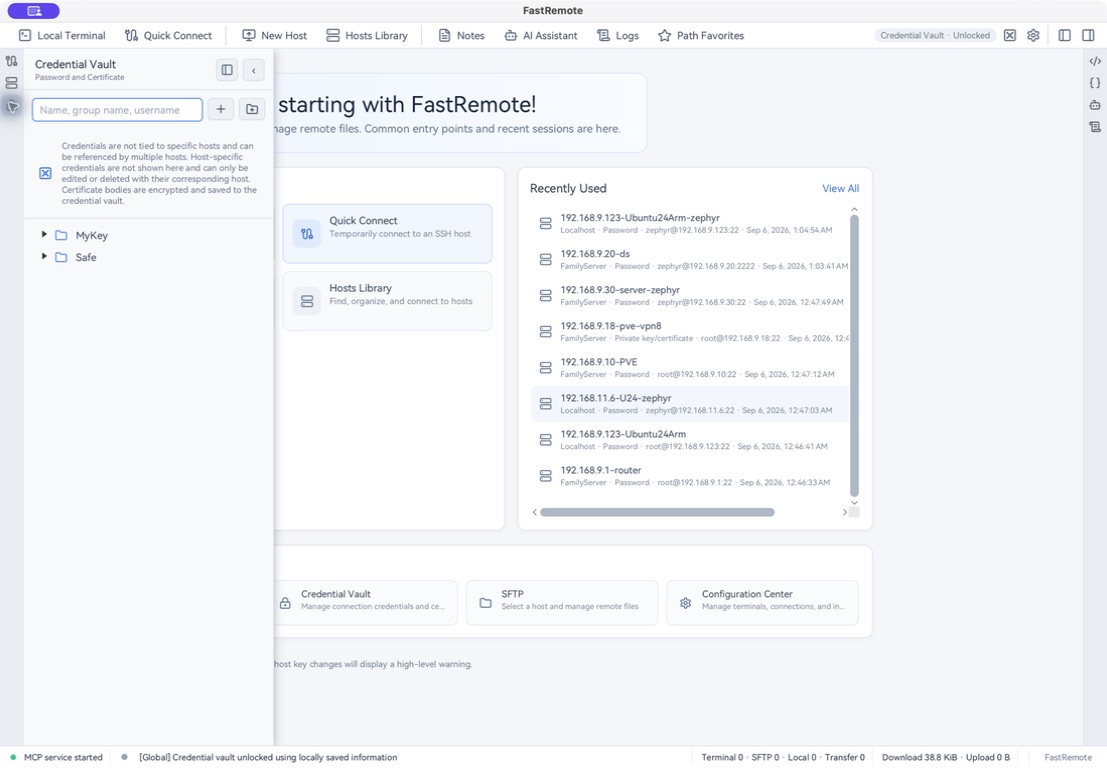
Group your servers, store encrypted credentials, and save commands for next time.
MODERN SSH & SFTP CLIENT
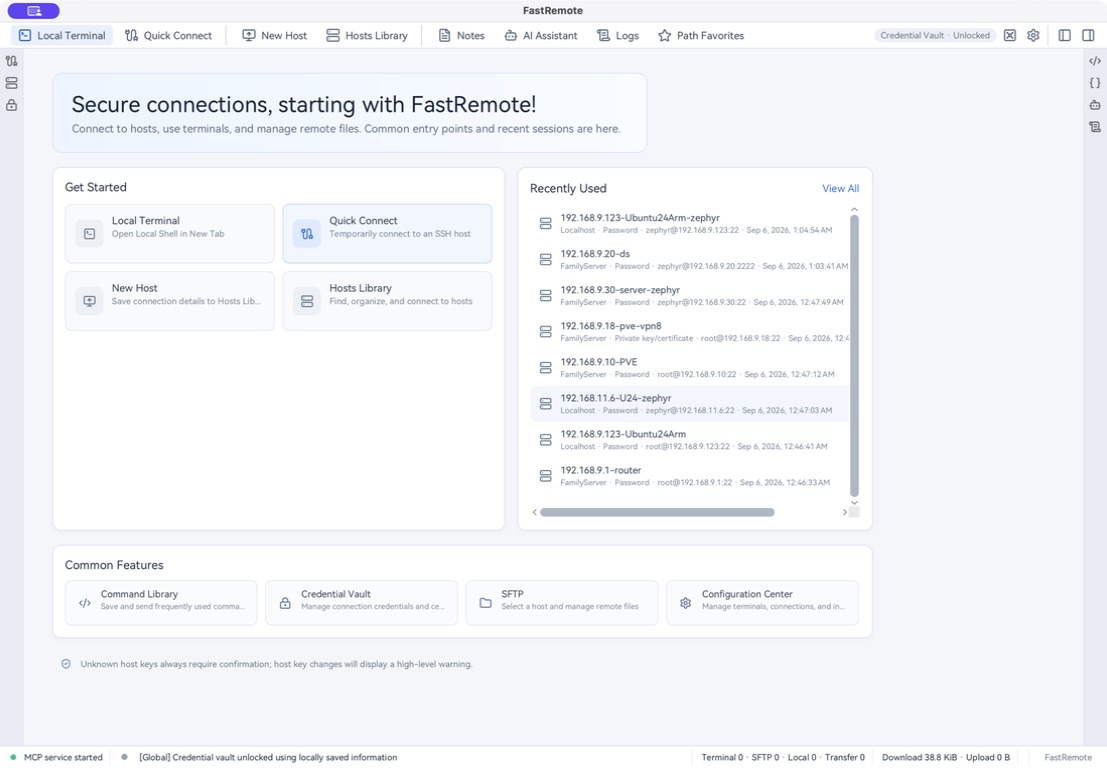
Connect to servers, run commands, transfer files, and edit configurations in one app. FastRemote includes an AI assistant and runs on Windows, macOS, and Linux.
Start your trial online · No payment method required
SEE FASTREMOTE IN ACTION
Tabbed terminals, dual-pane file management, a built-in editor, and AI assistance keep everyday tools within reach.
Group your servers, store encrypted credentials, and save commands for next time.
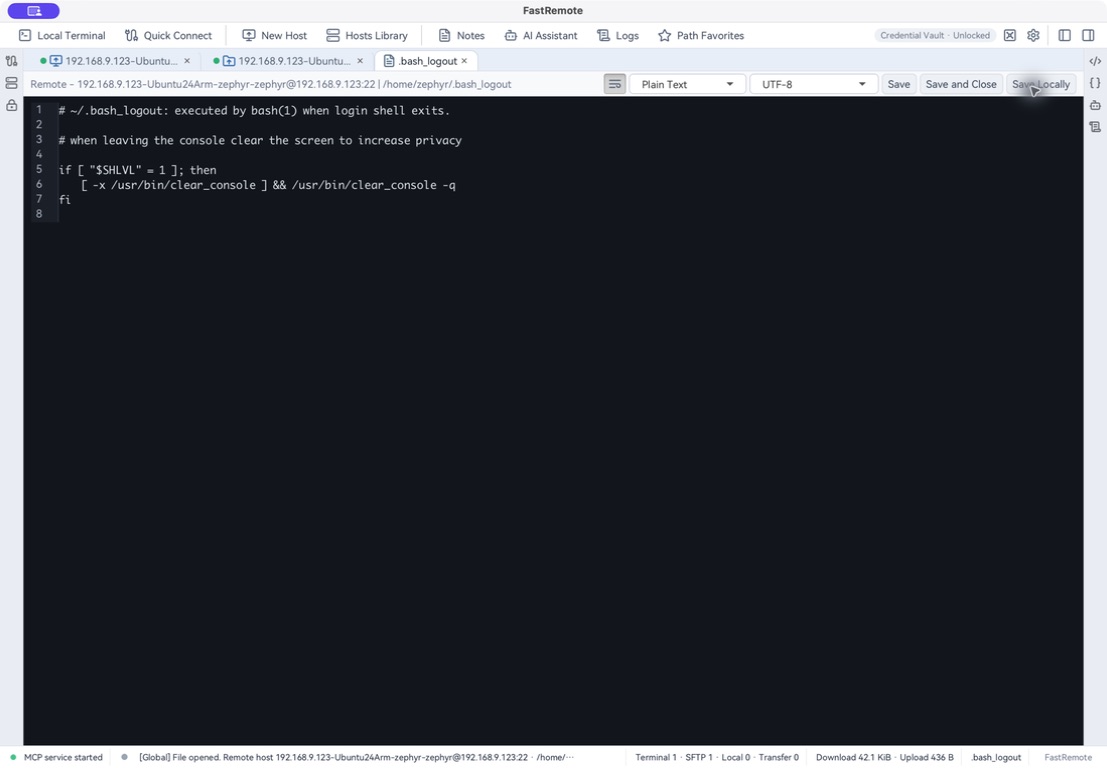
Run commands in a terminal, upload and download files in dual panes, and edit remote files directly.
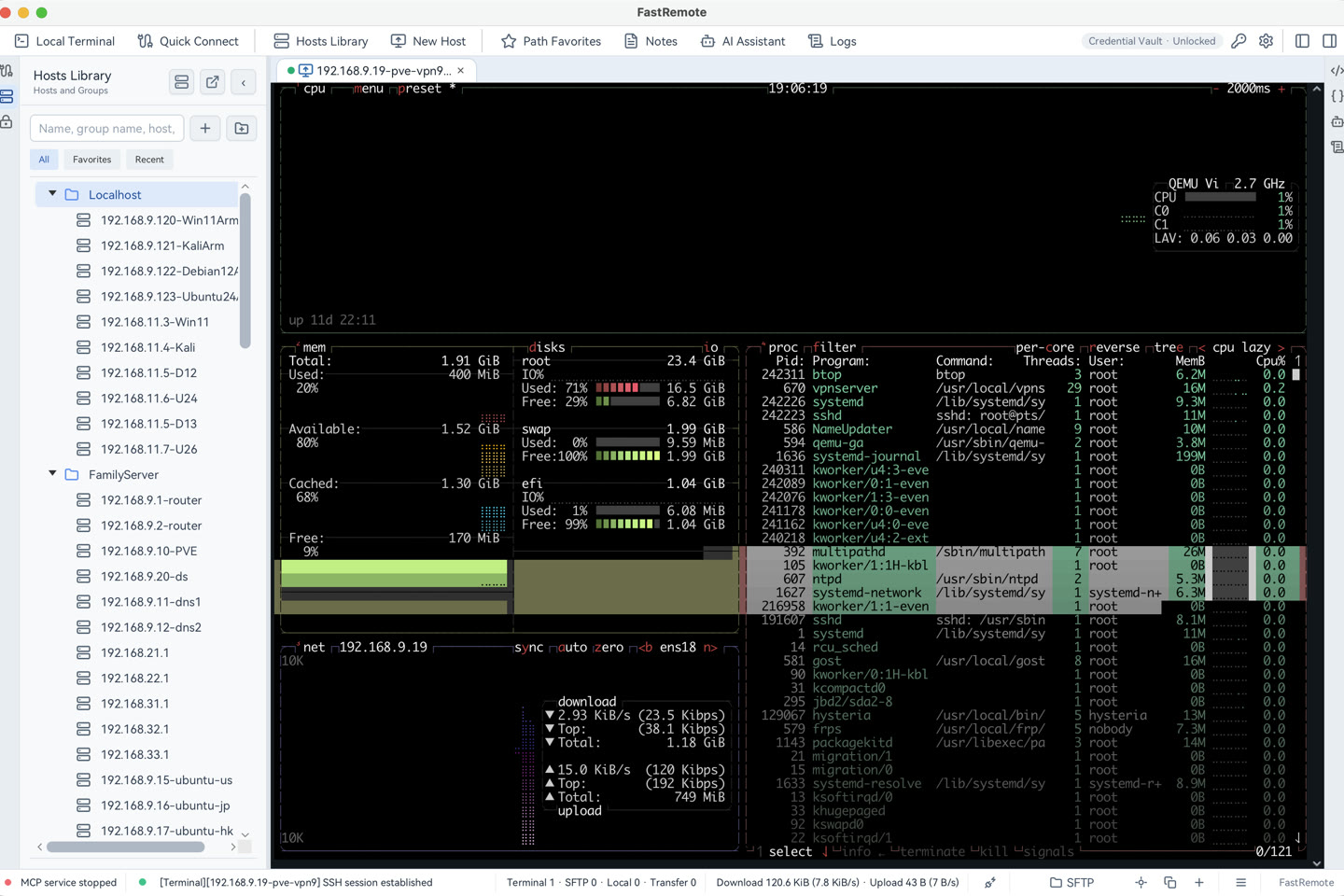
Connect an online model or local Ollama. Ask AI to explain commands, analyze errors, and help with actions you allow.
EVERYDAY FEATURES
Connect to multiple servers and switch between tabs. Use local terminals and connect through up to five jump hosts.
Explore SSH featuresBrowse local and remote folders side by side. Drag files to upload or download, and edit remote configurations in the app.
Explore SFTP featuresDescribe what you need in plain language. Get help writing commands and understanding output, with your choice of model and permissions.
LICENSE
Activate online on computers with internet access, or use offline licensing on isolated networks.
License expiry does not delete your saved hosts, settings, or data.PRICING
Every plan includes SSH, SFTP, the editor, and AI features, with online or offline activation. AI requires your own model service; provider fees are separate.
An SSH client connects to a server so you can run commands. An SFTP client securely uploads, downloads, and manages files. FastRemote includes both.
You need the server address, SSH port, username, and a password or private key. Add a connection in FastRemote and enter those details. Verify the host key fingerprint with your server administrator before connecting for the first time.
Yes. The download page lists the available packages and architectures for each system. Choose the release that matches your computer.
AI can explain commands, help write scripts, analyze errors, and perform actions within the permissions you set. Configure an online model service or local Ollama first. Third-party model services may charge separately.
Yes. FastRemote can import SecureCRT and OpenSSH configurations, so you do not need to add each host again.
FastRemote offers a 15-day free trial with no payment method required. The trial starts when you activate it online in the app. A paid license is required after the trial.
Install the app and start your trial online. No payment method required.