Tabbed terminals
Connect to multiple servers, switch between tabs, and arrange terminal and file panels to suit the task.
FASTREMOTE · SSH CLIENT
FastRemote brings SSH connections, terminals, and saved commands into one app. Connect to your first server or manage several at once on Windows, macOS, and Linux.
Download free trial 15 days · No payment method required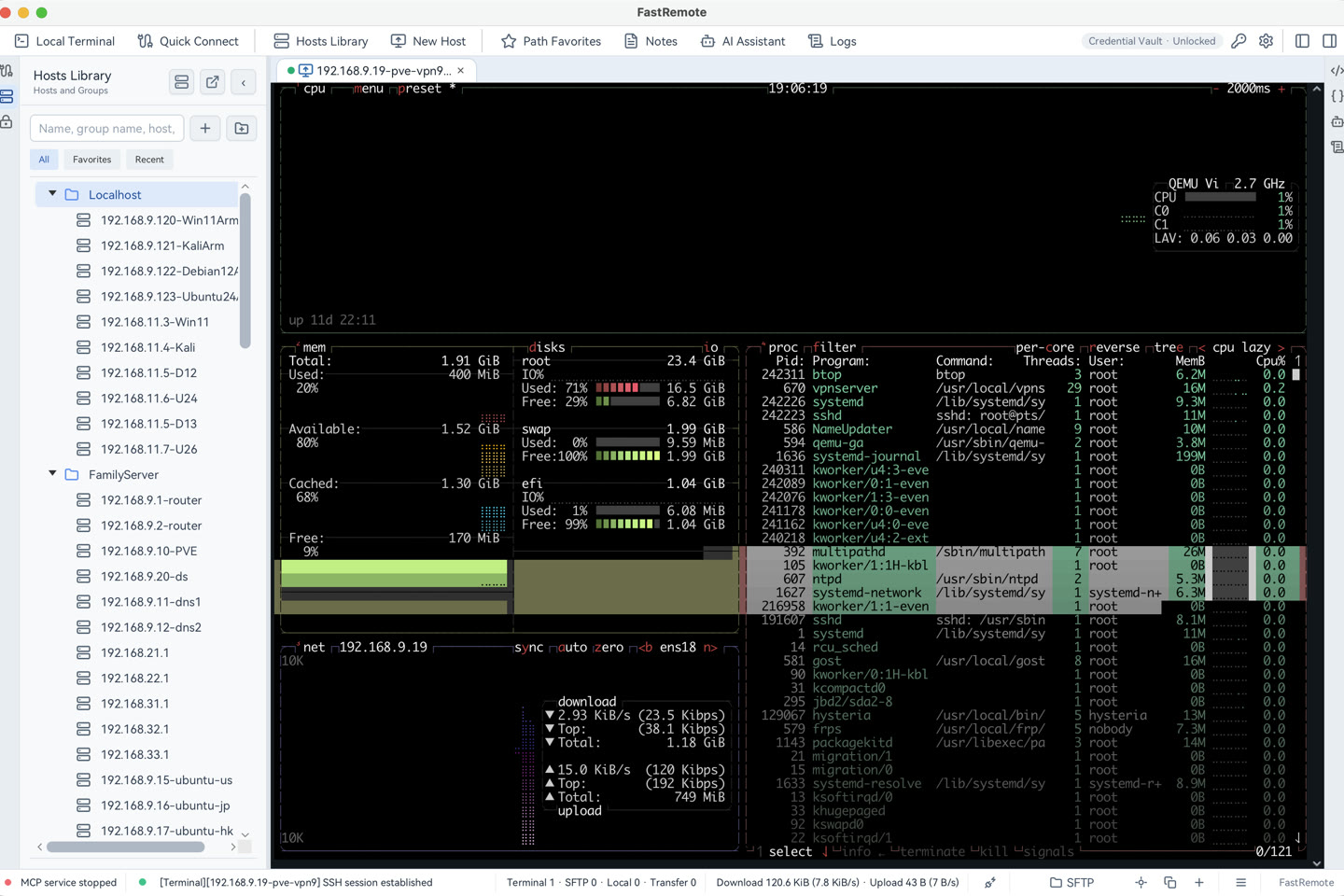
Connect to multiple servers, switch between tabs, and arrange terminal and file panels to suit the task.
Group hosts by project and reuse encrypted passwords or private keys across connections.
Reach a target server through a jump host, with support for connection paths of up to five hops.
Keep common commands ready to use and fill in changing parameters with variables.
Ask AI to explain commands, analyze output, or help write scripts. Configure your own online model service or local Ollama and choose which actions it may perform.
Import SecureCRT and OpenSSH configurations without adding each server again.
The server must have SSH enabled and allow your account to sign in. Your server administrator or cloud provider can supply the connection details.